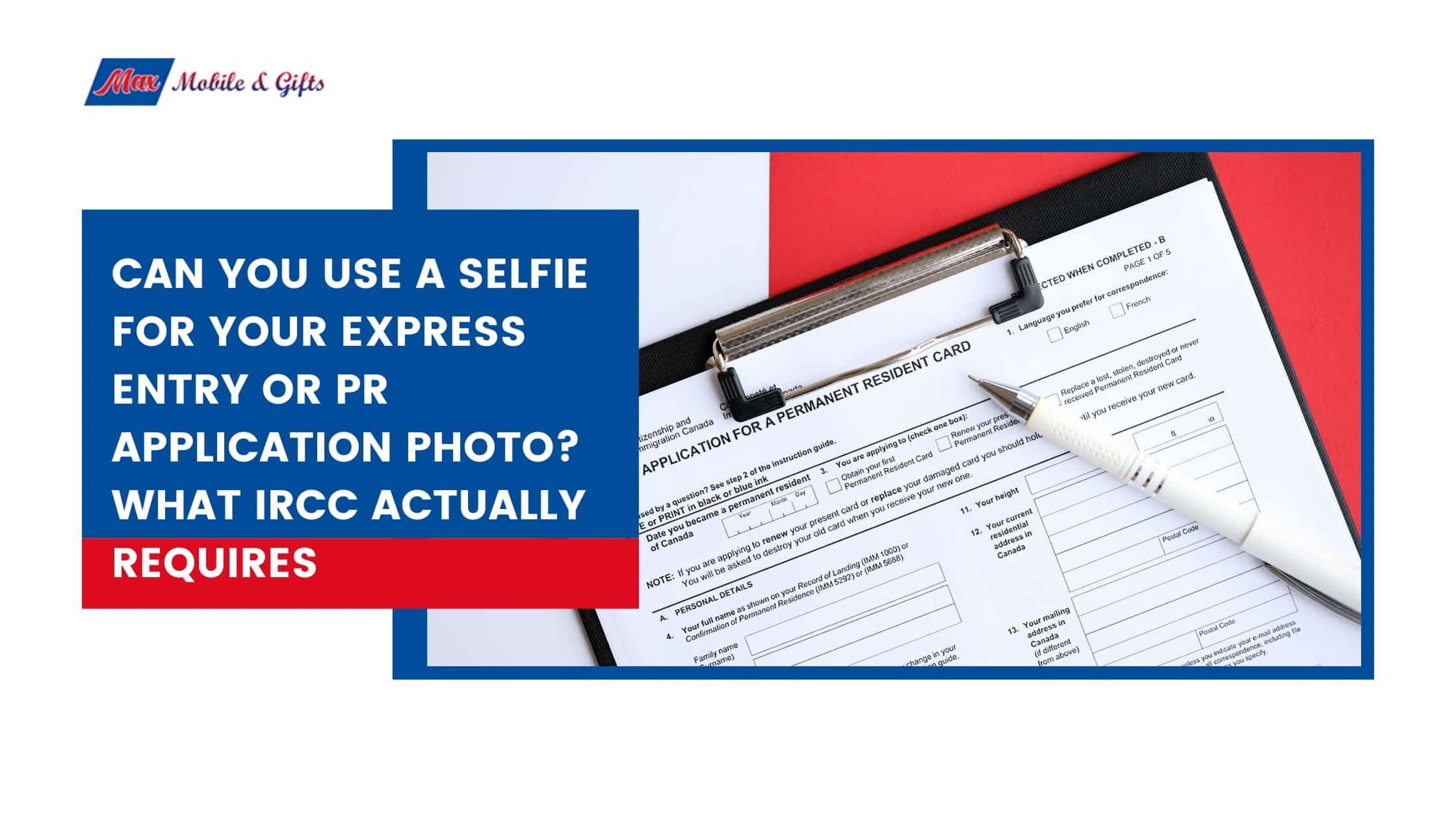
Can You Use a Selfie for Your Express Entry or PR Application Photo? What IRCC Actually Requires
You have a smartphone with an excellent camera. The PR portal asks you to upload a digital photo. It seems perfectly logical to take a selfie, upload it, and move on.
But here is what thousands of Express Entry applicants find out the hard way: IRCC does not accept selfies for PR applications, regardless of how good the photo looks on your screen. Approximately 40 percent of PR applications face delays due to incorrect photos, and using a selfie or phone photo is the single most common reason.
This article explains exactly what IRCC requires, why phone photos fail even when they look professional, and what you need to do to get it right the first time.
The Direct Answer: No – IRCC Does Not Accept Selfies
The official IRCC guidance on permanent resident photos is clear. The canada.ca page states directly: go to a commercial photographer or studio to have your photo taken. This requirement applies to both Express Entry PR applications submitted through the online portal and to PR card applications. There is no exception for high-quality phone cameras, professional lighting setups at home, or online photo editing apps.
You can submit either a professional digital photo or a scanned copy of a printed professional photo. What IRCC does not accept is a photo of a paper photo taken with your phone camera, and it does not accept an original selfie regardless of technical quality.
The important thing to understand is that the PR portal will not automatically reject a selfie at the point of upload. The system allows you to upload almost any image that meets the basic file specifications. The rejection happens during human review by IRCC officers, and when it comes, it adds weeks or months to your processing time.
Why Your Phone Camera Fails Even If the Photo Looks Perfect
This is the part most applicants do not expect. Even a technically excellent phone photo taken in good lighting against a white wall will almost certainly fail IRCC review. Here is why.
Computational photography counts as alteration
IRCC defines an altered photo as any photo that has been edited or changed in any way. This includes changes to colour, brightness, contrast, sharpness, cropping, red-eye removal, background editing, and facial feature adjustments.
Modern smartphones apply several of these processes automatically before the image is even saved. When you press the shutter button on an iPhone or Android device, the camera software adjusts brightness, colour balance, sharpness, and skin tone rendering in real time. Portrait mode adds background blurring. HDR mode merges multiple exposures. Night mode brightens the image artificially. All of these processes alter the original image in ways that fall under IRCC’s definition of an altered photo, even though you did not consciously edit anything.
The face measurement requirement
IRCC requires the distance from your chin to the crown of your head to measure between 31mm and 36mm in the final photo. This specific measurement requires professional measurement tools to verify correctly. It is the specification that no phone app consistently gets right without professional equipment, and it is one of the most common technical reasons for photo rejection.
Lighting and background
Professional studio lighting eliminates shadows on both the face and the background evenly. Achieving this at home with a phone is virtually impossible without specialist equipment. The background must be pure white, not off-white, not cream, not light grey. A plain white wall in most homes picks up shadows from room lighting and reads as off-white in a photo, which fails the pure white background requirement.
Official Digital Photo Specifications for 2026
Here are the exact requirements for a digital photo submitted through the online PR portal, based on official IRCC guidance verified August 2026.
| Specification | Requirement |
| Number of photos | 1 digital photo for online applications |
| File format | JPEG or PNG |
| Pixel dimensions | 715 x 1000 to 2000 x 2800 pixels |
| Maximum file size | 4 MB |
| Photo recency | Taken within the last 12 months |
| Face measurement | 31mm to 36mm from chin to crown |
| Background | Pure white, no shadows or patterns |
| Facial expression | Neutral, mouth closed, eyes open and clearly visible |
| Taken by | Commercial photographer or studio |
| Original file | Unaltered professional digital file preferred |
These specifications apply specifically to digital photo submissions through the PR Confirmation Portal. They are different from the requirements for paper applications, which require two identical printed photos measuring 50mm by 70mm. Do not apply paper photo dimensions to a digital submission or vice versa.
Source: canada.ca permanent resident photos page. Verified August 2026.
Can You Scan a Printed Photo for a Digital PR Application?
Yes. IRCC does accept a scanned copy of a professionally printed photo for digital applications. This is a legitimate alternative if your photographer provides a printed photo but cannot supply a digital file.
The correct process is to scan the printed professional photo using a professional scanner or a scanner app on your phone or tablet. The result is an acceptable digital submission.
What IRCC specifically does not accept is a photo of a paper photo taken with your digital camera or phone. The distinction is important. Scanning creates a direct digital copy of the printed image. Photographing a printed photo with a phone introduces focus variation, lighting reflections, and angle distortion that make the image non-compliant.
If you are unsure which format your photographer will provide, ask them directly before your appointment. A photography studio that regularly handles immigration photos will provide the correct digital format and know exactly what the portal requires.
What About the Back of the Photo – What Does the Portal Need?
The PR Confirmation Portal includes a separate upload field for the back of the photo. Many applicants do not notice this field or do not understand what to upload there.
For printed photos, the back of one photo must include the photographer’s name, the studio name and address, and the date the photo was taken. This information must be handwritten or stamped directly on the back of the photo.
For digital photos, your photographer should provide a digital version of the back of the photo or a photographer receipt showing their name, studio address, and the date of the session. Upload this document in the back photo field of the portal.
This is another specific reason why selfies fail the process. There is no photographer to provide this information. A photo taken on your own phone has no studio name, no photographer address, and no professional confirmation of when it was taken. Even if the front of the photo looked perfect, the back photo field has no valid document to upload.
Professional immigration photo services that regularly serve PR applicants know exactly what to provide for both the front and back uploads. This is part of what you are paying for when you go to a professional studio.
What If Your Photo Gets Rejected After Submission?
The PR Confirmation Portal does allow photo resubmission if your photo is rejected. This is one advantage of the digital application process over paper submissions. However, resubmission is not a convenient backup plan. IRCC sends a notification through your online account requesting a new compliant photo, and the review process does not continue on your application until the new photo is approved. This adds weeks or in some cases months to your overall processing time.
If your PR application photo was rejected, the fix is straightforward. Go to a professional immigration photo service, explain that you need a compliant digital photo for the PR Confirmation Portal, and they will produce the correct file along with the photographer information for the back upload.
The cost of professional photos in Vancouver typically ranges from $20 to $40 CAD. The cost of resubmission in processing delays is considerably higher. Getting it right the first time with a professional is always the more practical choice.
Max Mobile & Gifts at International Village Mall in Vancouver provides same-day professional PR and passport photo services. Walk in any time Monday to Saturday and we will have your compliant digital photo ready before you leave.
5 Common Photo Mistakes That Cause PR Application Delays
Using a selfie or phone photo:
The most common mistake and the one that catches the most applicants off guard. IRCC requires a commercial photographer. No phone photo meets this requirement regardless of camera quality.
Face dimensions outside the 31mm to 36mm range:
Professional photographers measure this correctly using calibrated equipment. DIY attempts consistently fall outside this range even when the photo otherwise looks good.
Background that is not pure white:
Off-white walls, subtle shadows from room lighting, and coloured backgrounds all fail. A professional studio uses controlled lighting and a proper white backdrop to meet this requirement consistently.
Any facial expression other than completely neutral:
Even a very slight smile, raised eyebrows, or squinting causes rejection. A neutral expression means exactly that, completely relaxed, no movement, eyes open and looking directly at the camera.
Photo altered by automatic phone processing:
Automatic brightness adjustment, colour correction, portrait mode, and HDR processing all count as alteration under IRCC rules. A photo that looks natural to you has already been processed in ways IRCC will not accept.
Frequently Asked Questions
Can I use a selfie for my Express Entry or PR application photo?
No. IRCC requires photos taken by a commercial photographer or studio. A selfie does not meet this requirement regardless of technical quality.
Can I use an online photo app for my IRCC photo?
No. Online apps that convert selfies into immigration-format photos do not meet the IRCC requirement for a commercially taken photo. The issue is not the output format but the origin of the image.
What pixel size does IRCC require for a digital PR photo?
715 x 1000 to 2000 x 2800 pixels in JPEG or PNG format, no larger than 4 MB, as of August 2026. Always verify at canada.ca before submitting.
Can I scan a printed photo for a digital PR application?
Yes. A scanned copy of a professional printed photo is acceptable. IRCC does not accept a photo of a printed photo taken with your phone camera, only a proper scan.
What does IRCC mean by an altered photo?
Any photo that has been edited in any way, including changes to colour, brightness, contrast, sharpness, red-eye removal, cropping, or background editing. Modern smartphones apply many of these automatically.
Where can I get a professional PR photo in Vancouver?
Max Mobile & Gifts at Unit 1183, International Village Mall, 88 West Pender St, Vancouver. Open Monday to Saturday, 10:00 am to 6:00 pm. Walk-ins welcome, no appointment needed.
How soon can I get my immigration photo done in Vancouver?
Same day. Walk into Max Mobile & Gifts at International Village Mall any time Monday to Saturday and your compliant digital photo will be ready before you leave.
Get Your IRCC-Compliant PR Photo in Vancouver – Same Day, Walk In
Getting the right photo for your Express Entry or PR application does not need to be complicated. A professional photo service produces a compliant digital file and provides the photographer information needed for the back of the photo upload in the PR portal, all in one visit.
Max Mobile & Gifts provides professional passport and PR photo services at International Village Mall in Vancouver. Our photos meet all current IRCC specifications for Express Entry and PR card applications. We provide the digital file ready for portal upload along with photographer details for the back photo field.
Walk in any time, no appointment needed, same-day service.
Walk in today for your IRCC-compliant PR photo
Also offering cell phone repair, FOB copy, key cutting, watch battery replacement, and mobile accessories at the same location.