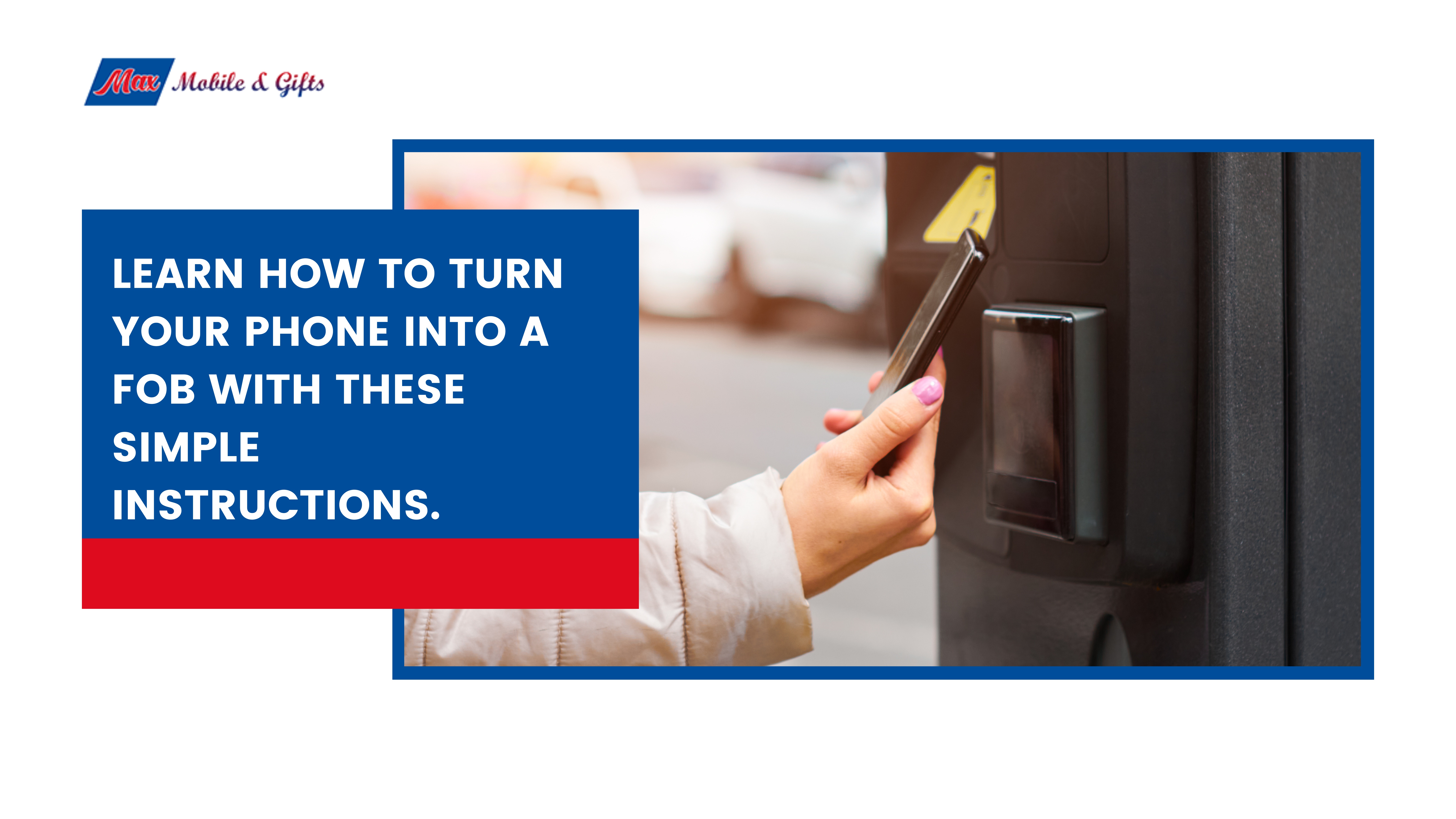
Learn how to turn your phone into a fob with these simple instructions.
You can copy an RFID key fob to your phone if your fob operates on 13.56 MHz NFC frequency and your phone has NFC capability. Android phones offer the most flexibility, while iPhones work best with supported credentials via Apple Wallet. Encrypted fobs require professional cloning services.
Most people carry at least three or four fobs at any given time, one for the office, another for the gym, maybe one for a parking garage or apartment building. They clutter your pockets, weigh down your keychain, and have a remarkable talent for disappearing right when you need them most.
So it’s no surprise that the question “Can I add my key fob to my phone?” is being searched thousands of times a month. The good news? For many fobs, the answer is yes. Converting an RFID key fob to your phone means fewer items to carry, less risk of losing access credentials, and the ability to use a device you already have on you 24/7.
This guide covers everything you need to know: how RFID technology works, the different methods to copy a key fob to your phone, step-by-step instructions for both Android and iPhone users, and security best practices to keep your access safe.
How Do RFID Key Fobs Actually Work?
RFID stands for Radio Frequency Identification. At a basic level, a key fob contains a small chip and antenna that transmit a unique code to a compatible reader when held close. No battery required on the fob’s end, the reader powers it through electromagnetic induction.
The frequency your fob uses matters enormously when it comes to copying it:
- Low-frequency (125 kHz) fobs are older and simpler. These are commonly used in older office buildings and parking systems. They’re generally easier to copy but offer less encryption.
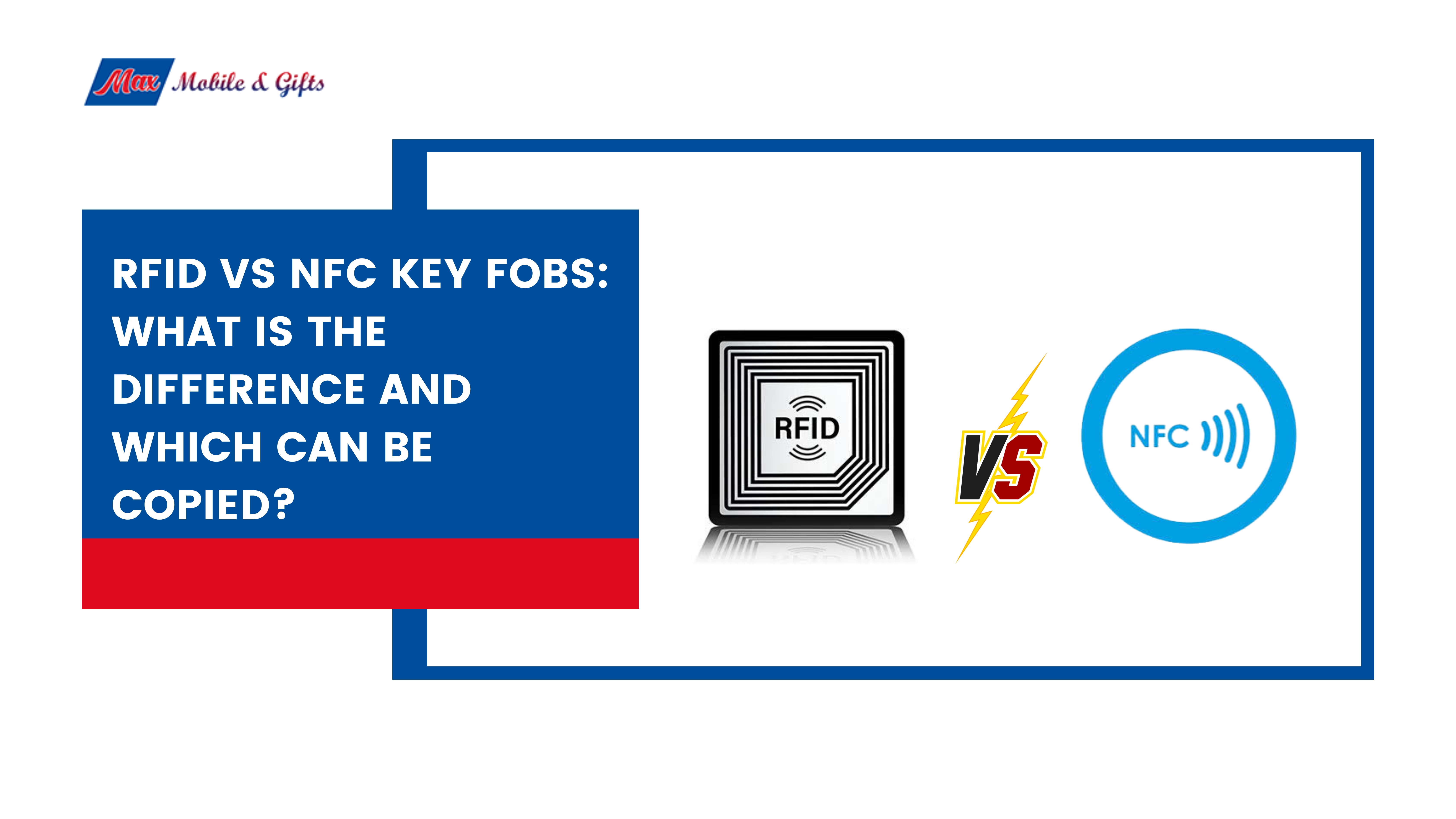
- High-frequency (13.56 MHz) NFC fobs are newer and more secure. These operate on the same frequency as NFC (Near Field Communication) technology built into modern smartphones, making them the most compatible with phone-as-a-fob solutions.
NFC is essentially a short-range, high-frequency form of RFID. Because smartphones already have NFC chips, they can theoretically read and emulate compatible fobs. The catch? Encryption. Many modern fobs use proprietary encryption protocols that prevent straightforward cloning, a deliberate security measure.
Can I Add My Key Fob to My Phone?
The short answer: it depends on two things, the type of fob you have and whether your phone supports NFC.
If your fob runs on 13.56 MHz and your phone has an NFC chip, there’s a solid chance you can copy or emulate it. If your fob is encrypted (common with high-security buildings and newer access systems), DIY methods typically won’t work, and a professional cloning service becomes the better route.
One more consideration: some fobs are legally restricted from being copied. Corporate access credentials, government-issued cards, and similar secure systems often fall into this category. Always ensure you own the fob and have the right to copy it before proceeding.
Methods to Copy Your Key Fob to Your Phone
Using Third-Party Apps and NFC Tools
Several apps, like NFC Tools (Android) and similar utilities, allow your phone to read NFC-compatible fobs and store their data. Paired with an NFC tag reader/writer device, these apps can sometimes emulate fob credentials directly from your phone.
This approach works best with unencrypted or lightly secured 13.56 MHz fobs. Low-frequency 125 kHz fobs require specialized hardware, as standard smartphone NFC chips don’t operate at that frequency.
Professional Cloning Services
For fobs that don’t respond to app-based methods, or if you’d rather skip the trial and error, professional cloning services are the most reliable option. Technicians use specialized equipment to safely read and duplicate your fob’s credentials onto a compatible card, sticker, or phone-based emulator.
Max Mobile and Gifts in Vancouver offers professional fob copy services, handling everything from standard NFC fobs to more complex duplications. Using a professional service eliminates the risk of damaging your original fob and ensures the copy actually works.
Device Compatibility: Android vs. iPhone
Not all phones handle fob emulation equally.
| Feature | Android | iPhone |
| NFC chip | Most models (2013+) | iPhone 7 and later |
| Fob emulation via app | Supported on many devices | Very limited |
| Apple Wallet integration | Not applicable | Supported for select credentials |
| Recommended for DIY | ✅ Yes | ⚠️ Limited |
Android phones offer open NFC access, making them far more flexible for fob copying. iPhones lock NFC functionality tightly, third-party apps can’t freely emulate access credentials. Apple Wallet does support some digital keys (for select hotels, cars, and campuses), but building or gym fobs typically aren’t supported unless the provider specifically integrates with Apple’s system.
Step-by-Step Guide: Copy a Key Fob to Your Phone
3 class="wp-block-heading">Note: Not all Android devices support HCE. Check your phone’s specifications if emulation fails.
F>For iPhone Users
ss="wp-block-paragraph">Apple’s NFC access is more restricted, but there are still options:- Check Apple Wallet compatibility: If your building, gym, or employer uses a system that supports Apple Wallet digital keys (such as HID Mobile Access or Allegion), you may be able to add credentials directly through the Wallet app.
- Contact your access provider: Ask whether they support iPhone-based digital keys. Many modern systems are adding this capability.
- Use a professional service: If Apple Wallet isn’t supported and you need a fob copy, services like Max Mobile and Gifts can copy your fob to a compatible NFC card or sticker, a practical workaround that achieves a similar result.
S>Security Best Practices for Fob Copying
ss="wp-block-paragraph">Copying a key fob comes with responsibility. A few guidelines to keep things safe and above board:- Only clone fobs you own. Copying someone else’s credentials, even accidentally, can have legal consequences.
- Protect your phone with a strong passcode or biometric lock. Your phone now holds access to physical spaces, so treat it accordingly.
- Be selective with third-party apps. Stick to well-reviewed apps from established developers, and check what permissions they request.
- Notify building management if your phone is lost or stolen. Just as you’d report a missing fob, your digital fob credentials should be deactivated if your device is compromised.
C>Common Issues and How to Fix Them
ss="wp-block-paragraph">NFC won’t read the fob: Confirm your fob is 13.56 MHz. Low-frequency fobs require different hardware.App reads the fob but emulation fails: Your phone may not support Host Card Emulation, or the fob uses encryption that blocks copying. Try a different device or contact a professional.
Access reader doesn’t recognize the phone: Ensure NFC is enabled and your phone’s screen is on when tapping. Some emulation apps require the app to be open.
Fob appears encrypted: DIY tools won’t bypass encryption. A professional cloning service is your best next step.6
T>The Future of Phone-as-a-Fob Technology
ss="wp-block-paragraph">Phone-as-a-fob technology is gaining real momentum. Apple and Google are both expanding their digital key ecosystems, and more access control providers are building NFC-compatible infrastructure. The days of carrying a separate fob for every door may genuinely be numbered.For now, Android users have the most flexibility, and professional services fill the gap for encrypted or complex fobs. As NFC adoption grows and access systems modernize, the process of converting an RFID key fob to your phone will only get smoother.
If you’d rather skip the DIY steps and get it done right the first time, Max Mobile and Gifts in Vancouver offers professional fob copy services, key cutting, and cell phone repair, all under one roof. Stop by the store or get in touch with their team for fast, expert help with your fob copy in Vancouver.
F>Frequently Asked Questions
ss="wp-block-paragraph">Can I copy any key fob to my phone?Not every fob can be copied. Fobs operating on 13.56 MHz NFC frequency and without heavy encryption are generally compatible with phone-based emulation. Low-frequency 125 kHz fobs and heavily encrypted credentials typically require specialized hardware or professional cloning services.
Is it legal to clone a key fob?
Cloning a fob you own for personal use is generally legal in most jurisdictions. Copying fobs you don’t own, or that are explicitly restricted from duplication (such as government or high-security building credentials), may be illegal. Always verify ownership and any applicable terms before copying.
Do I need a special app to use my phone as a key fob?
For Android users, apps like NFC Tools or NFC Card Emulator can read and emulate compatible fobs. iPhone users are largely limited to Apple Wallet integrations, which require the access provider to support digital credentials. Professional services offer a hardware-based alternative for both platforms.
What’s the difference between NFC and RFID?
RFID is the broader technology used for wireless data transfer between chips and readers. NFC is a specific type of RFID that operates at 13.56 MHz over short distances (typically under 4 cm). Most modern smartphones use NFC, which is why only certain fob types are compatible.
Where can I get my key fob copied in Vancouver?
Max Mobile and Gifts in Vancouver provides professional fob copy services for a wide range of fob types. Their technicians can handle standard NFC fobs as well as more complex duplications, saving you time and ensuring the copy works reliably.
What should I do if my phone is lost and it has a fob copy on it?
Contact your building manager or access control provider immediately to deactivate the credential tied to your phone. Treat it the same as losing a physical fob, prompt action prevents unauthorized access.